How to Get Support for TechDirect Update - Manage Catalog (DCCRM)
Summary: This article covers how to obtain support for the TechDirect Update - Manage Catalog (used to be known as DCCRM).
Acest articol se aplică pentru
Acest articol nu se aplică pentru
Acest articol nu este legat de un produs specific.
Acest articol nu acoperă toate versiunile de produs existente.
Instructions
TechDirect Update: Manage Catalog (Formerly known as DCCRM) is a cloud-based application. It allows IT administrators to create and manage custom catalogs for Latitude, OptiPlex, Precision, and XPS platforms. Catalogs can be configured to contain drivers, firmware, BIOS, and select Dell applications updates.
Warning:
- TechDirect Update - Manage Catalog technical support is only available to commercial customers with Latitude, OptiPlex, Precision, or XPS platforms.
- TechDirect Update - Manage Catalog supports:
- Chrome browser
Affected Products:
- TechDirect Update - Manage Catalog
Affected Platforms:
- Latitude
- OptiPlex
- Precision
- XPS
Self-Help Options
Most technical information can be found by referencing the:
To obtain support:
- Go to https://www.dell.com/support/home
- To the right of the page, select Contact Us and then click either:
- Contact Technical Support if a Dell service tag is available. (Go to Step.3)
- Contact Order Support: If a Dell service tag is not available, and assistance is required to gain access to the software. (Go to Step.8)
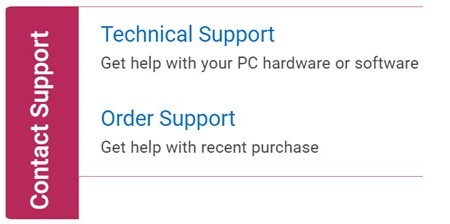
Technical Support
- Click Enter service tag.
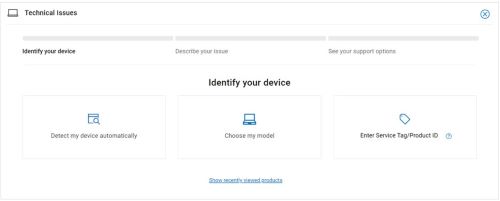
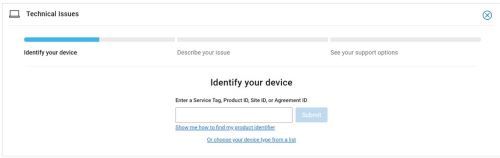
- Type your Service Tag and then click Submit.
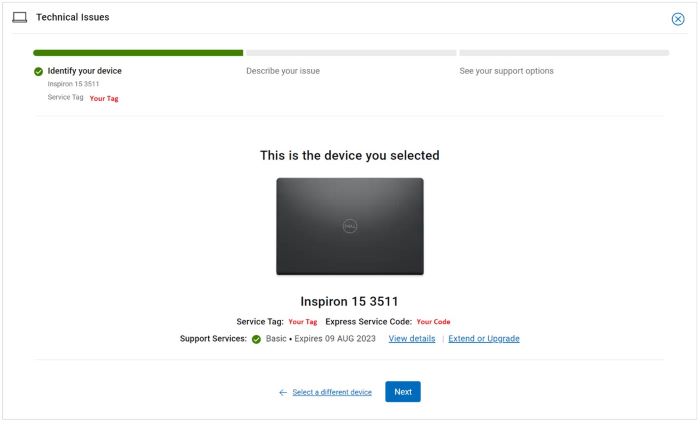
- Confirm your model and Service Tag and click Next.
- From the drop-down menu, select Software and third-party applications and then click Next.
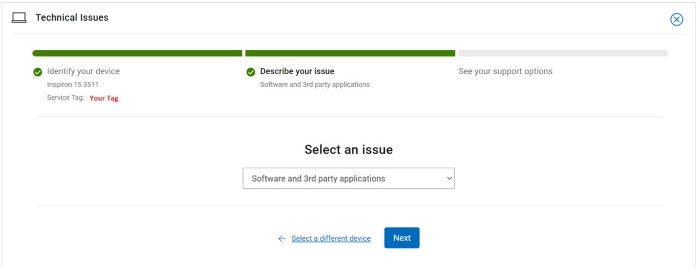
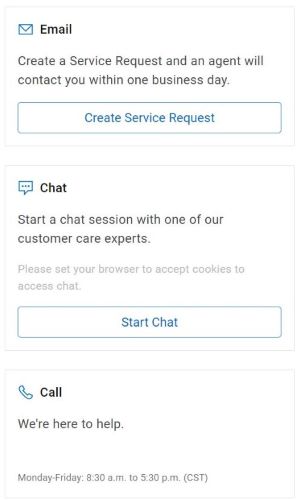
- Select an available contact option.
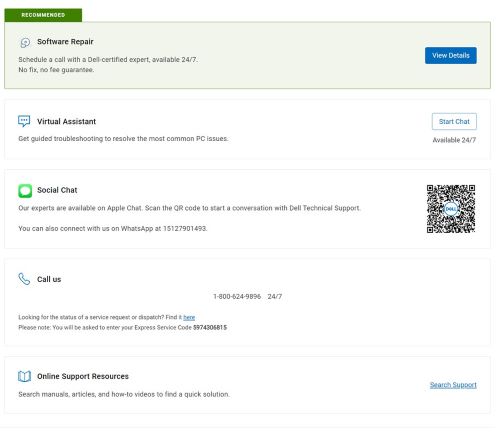
Order Support
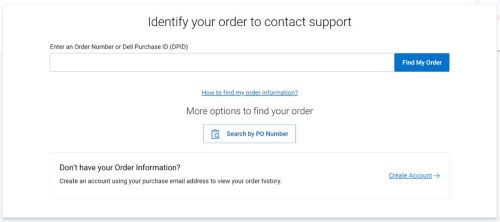
- Type your Order Number and then click Find My Order.
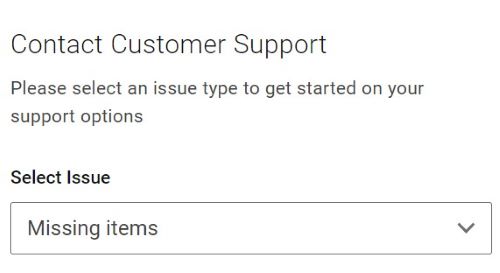
- To the right of the page, click Contact Customer Support.

- From the drop-down, select Missing Items.
- Select an available contact option.
Note:
- Contact options may differ by your region.
- Reference this article (000180754) when contacting technical support.
Produse afectate
OptiPlex, XPS, Latitude, XPS, Fixed Workstations, Mobile Workstations, Manage Custom Update CatalogProprietăți articol
Article Number: 000180754
Article Type: How To
Ultima modificare: 07 May 2026
Version: 23
Găsiți răspunsuri la întrebările dvs. de la alți utilizatori Dell
Servicii de asistență
Verificați dacă dispozitivul dvs. este acoperit de serviciile de asistență.