如何取得 TechDirect 更新的支援 - 管理目錄 (DCCRM)
Summary: 本文說明如何取得 TechDirect Update 的支援 - 管理目錄 (先前稱為 DCCRM)。
This article applies to
This article does not apply to
This article is not tied to any specific product.
Not all product versions are identified in this article.
Instructions
TechDirect 更新:管理目錄 (先前稱為 DCCRM) 是雲端應用程式。它可讓 IT 系統管理員建立和管理 Latitude、 OptiPlex、 Precision 和 XPS 平台的自訂目錄。目錄可設定為包含 驅動程式、 韌體、 BIOS 和特定 Dell 應用程式 更新。
警告:
- TechDirect 更新 - 管理目錄技術支援僅適用於使用 Latitude、 OptiPlex、 Precision 或 XPS 平台的商業客戶。
- TechDirect 更新 - 管理目錄支援:
- Chrome 瀏覽器
受影響的產品:
- TechDirect 更新 - 管理目錄
受影響的平台:
- Latitude
- OptiPlex
- Precision
- XPS
自助選項
您可以透過參考下列內容找到大部分技術資訊:
若要取得支援:
- 前往 https://www.dell.com/support/home
- 在頁面右側,選取與我們聯絡,然後按一下以下任一項:
- 如果有 Dell 產品服務編號,請聯絡技術支援部門。(移至步驟 3)
- 聯絡訂單支援:如果無法使用 Dell 產品服務編號,且需要協助才能存取軟體。(移至步驟 8)
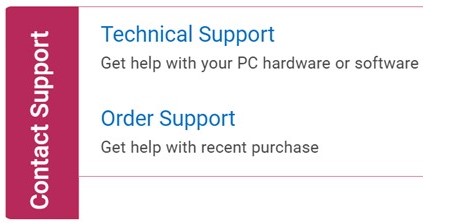
技術支援
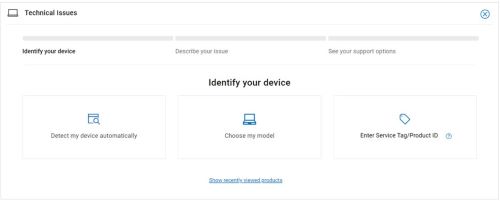
- 按一下輸入產品服務編號。
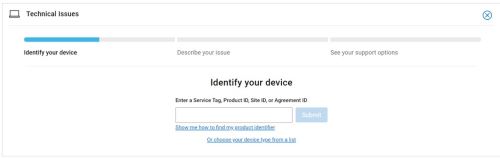
- 輸入您的產品服務編號,然後按一下提交。
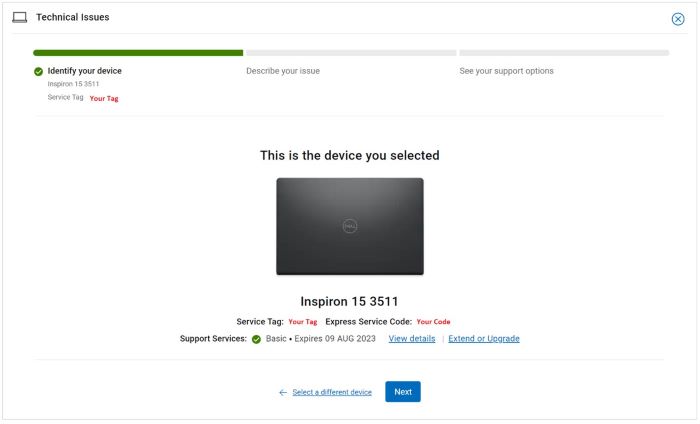
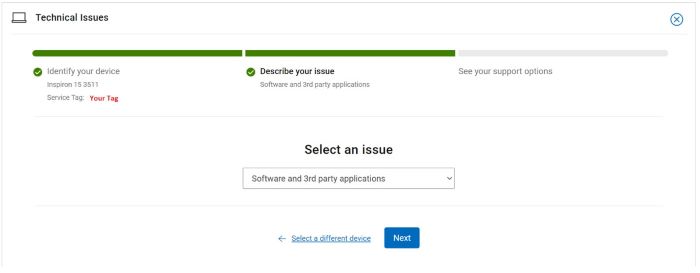
- 確認您的型號和產品服務編號,然後按一下下一步。
- 從下拉式功能表中,選取 軟體和第三方應用程式 ,然後按 一下下一步。
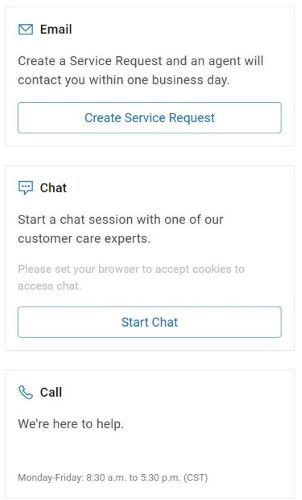
- 選取可用的聯絡選項。
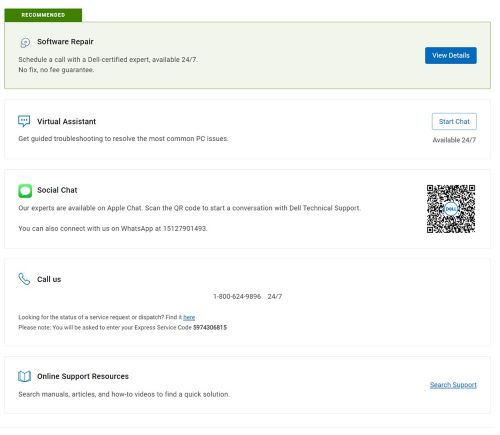
訂單支援
- 輸入您的訂單編號,然後按一下尋找我的訂單。
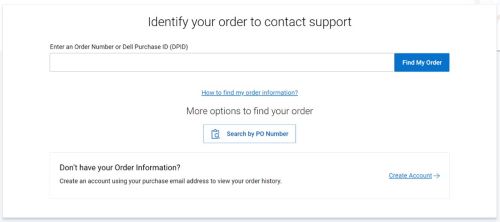
- 在頁面右側,按一下聯絡客戶支援。

- 從下拉式清單中,選取遺失項目。
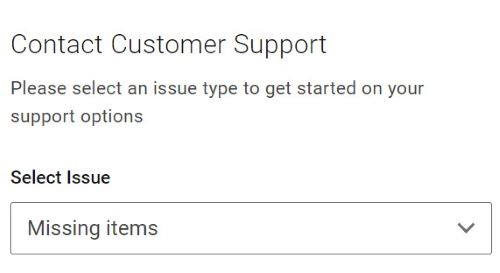
- 選取可用的聯絡選項。
注意:
- 您所在地區的聯絡選項可能會有所不同。
- 聯絡技術支援時,請參考本文 (000180754)。
Additional Information
Videos
Affected Products
OptiPlex, XPS, Latitude, XPS, Fixed Workstations, Mobile Workstations, Manage Custom Update CatalogArticle Properties
Article Number: 000180754
Article Type: How To
Last Modified: 07 May 2026
Version: 23
Find answers to your questions from other Dell users
Support Services
Check if your device is covered by Support Services.