PowerProtect Data Protection Appliance IDPA:保护存储升级过程
Summary: 本文提供了手动将融合备份一体机 (IDPA) Protection Storage (Data Domain) 组件升级到最新批准版本的过程。
This article applies to
This article does not apply to
This article is not tied to any specific product.
Not all product versions are identified in this article.
Instructions
在 IDPA 中升级保护存储 (DD) 的过程:
建议仅对已采用最新 IDPA 版本且已批准升级的设备遵循此过程,如文章 IDPA:允许的点产品升级。
- 下载允许的单点产品升级文章中批准的 Data Domain 操作系统版本,升级 RPM 软件包 适用于 Data Domain 的戴尔支持站点 (需要以已注册的戴尔支持用户身份登录才能查看此文档)
Verify the MD5 or SHA256 checksum for the file you download.- 确保 AvamarServer 上没有正在运行的备份。以 管理员 身份登录并禁用计划程序和维护:
dpnctl stop sched,maint- 使用您的凭据登录到 ACM 控制面板 。
- 使用 Protection Storage System Manager UI 链接登录到 Data Domain(使用 sysadmin 和 通用密码 凭据)。
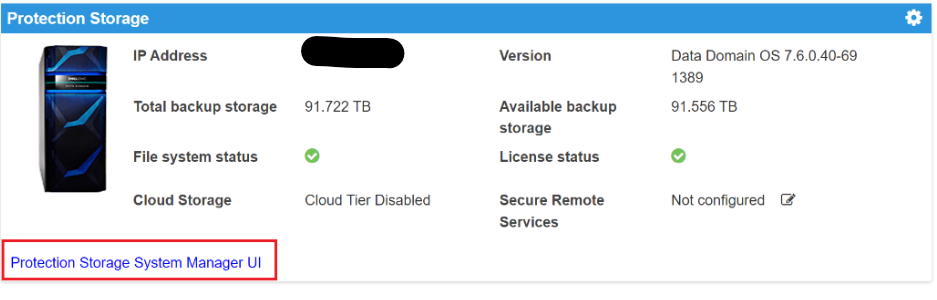
- 确保 Data Domain 上没有正在运行的复制作业。
- 使用 DD System Manager 中的 Maintenance>System菜单。
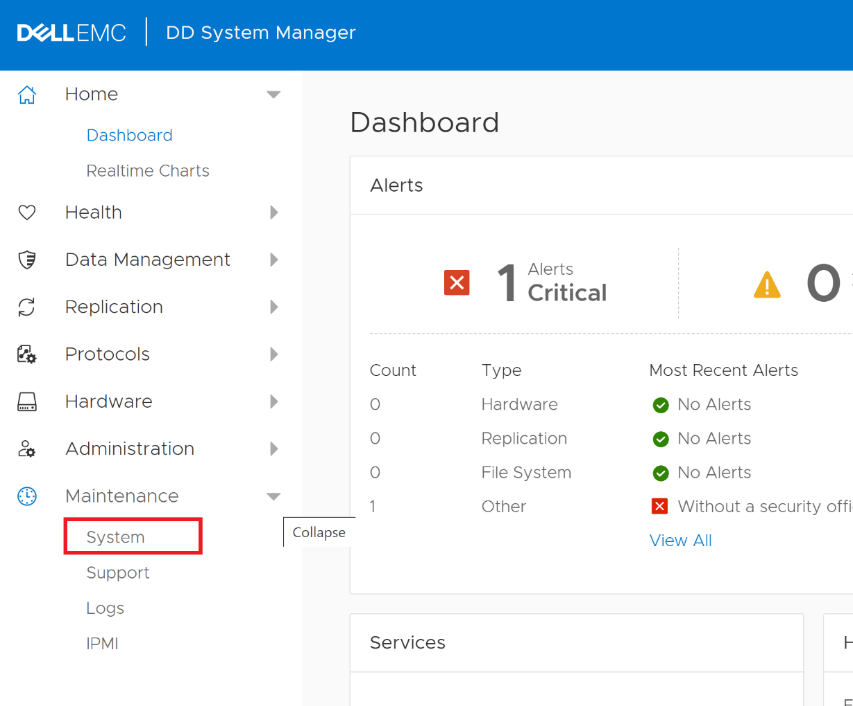
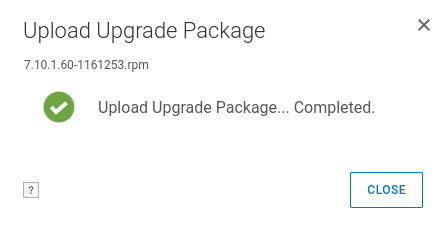
- 使用 UPLOAD UPGRADE PACKAGE 按钮上传在步骤 1 中下载的软件包。
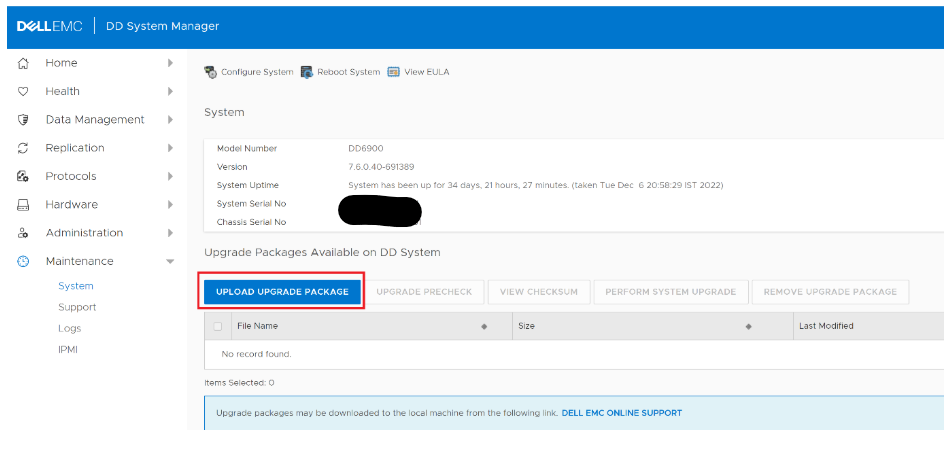
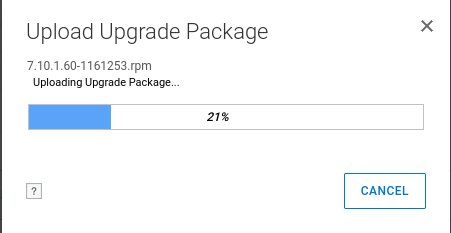
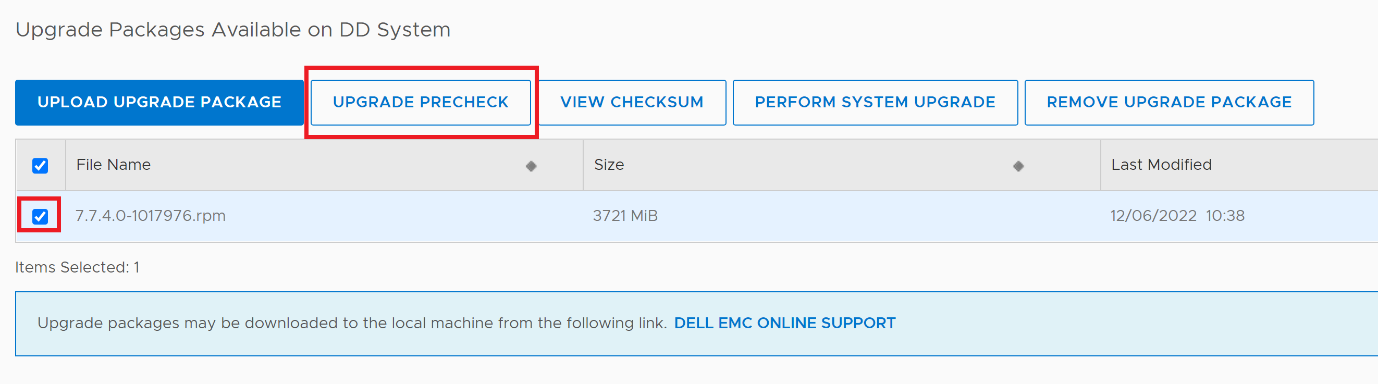
- 选择上传的 RPM 软件包,然后单击 UPGRADE PRECHECK按钮。
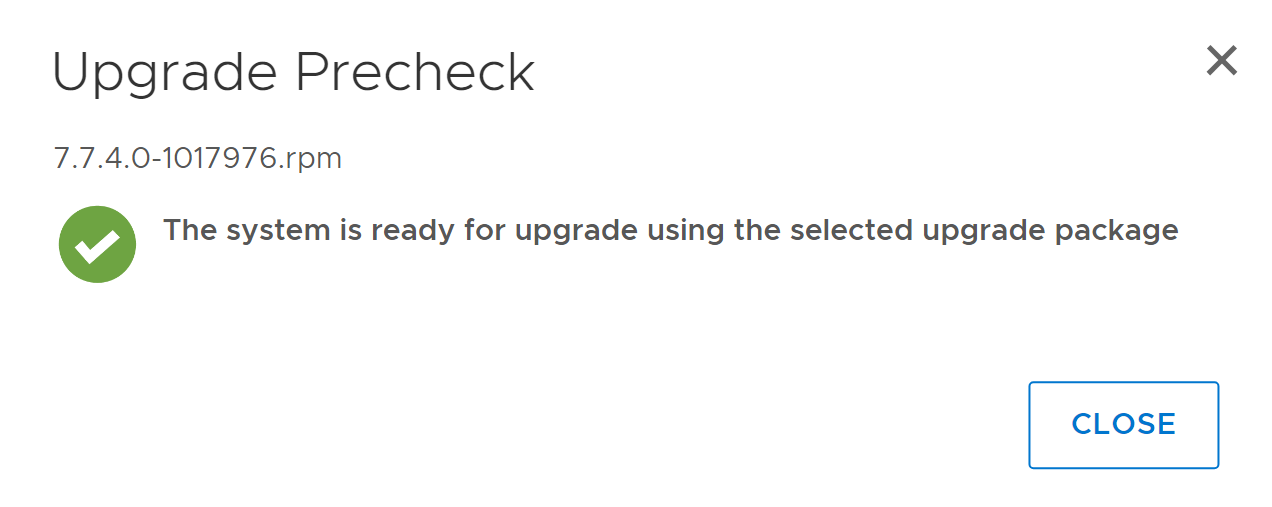
- 预检查成功后,将显示对话框(包含相应版本)。如果预检查失败,请联系戴尔支持 以获得帮助。
- 关闭对话框,然后选择要执行系统升级的软件包。单击 OK 以继续。
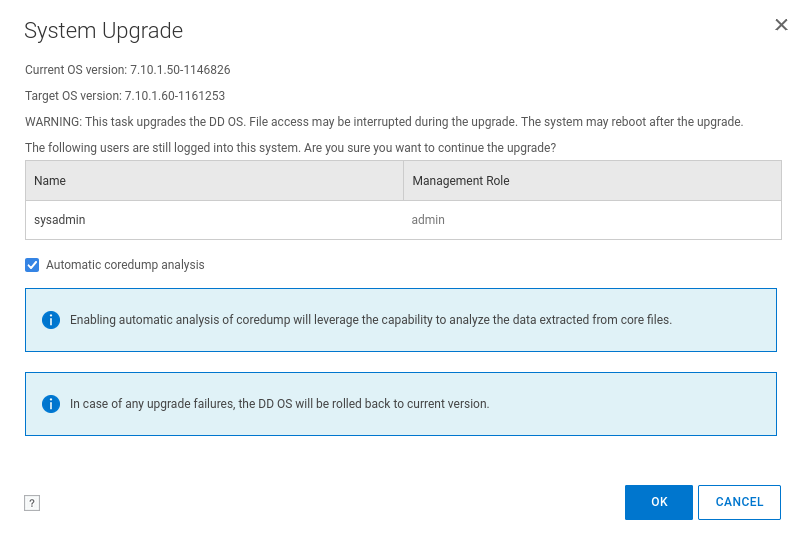
- 单击 OK 按钮后,将显示 Data Domain 升级进度。升级分四个阶段进行:
- 预检查升级程序包
- 安装升级软件
- 重新启动系统
- 完成升级
由于 Data Domain 在此阶段重新启动,因此可能需要刷新网页,尽管它应自行刷新。
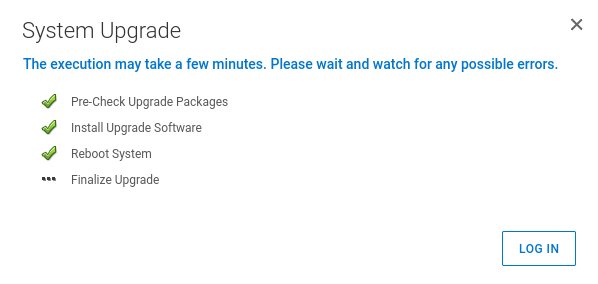
重新启动后 Data Domain 恢复后,升级即完成。新版本显示在 ACM 控制面板中。
- 重新启动在步骤 2 中停止的 Avamar 调度程序:
dpnctl start sched,maintAffected Products
Integrated Data Protection Appliance Family, Integrated Data Protection Appliance SoftwareArticle Properties
Article Number: 000206181
Article Type: How To
Last Modified: 14 May 2026
Version: 14
Find answers to your questions from other Dell users
Support Services
Check if your device is covered by Support Services.