

7 Posts
0
1205
February 4th, 2023 12:00
Latitude 7420 Extend non-contiguous partition
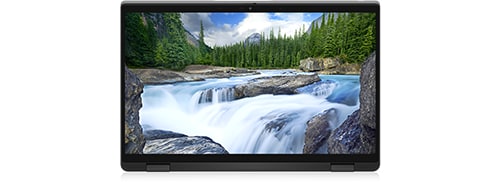
Latitude 7420
I ran out of space and upgraded my hard drive from 256 to 1Tb. The cloning process was flawless and the new drive is working exactly like the old one.
The problem is that cloning creates a partition of the same size, which I expected. I am not able to extend the partition because it is non-contiguous. There are 2 recovery partitions between the C: drive and the unallocated space. I know that Windows will not extend a non-contiguous partition. I downloaded the free versions of Partition Wizard and EaseUs, and neither shows the option to extend it. I am not sure if Bitlocker (unlocked) is affecting the process.
Can anyone tell me how I can extend my C drive to include the unallocated space without delete the recovery partitions, or at least move it so it is contiguous and I can then do it in Windows?
Thanks
JOcean
11 Legend
•
12.6K Posts
•
69.5K Points
2
February 4th, 2023 15:00
Have you tried moving the recovery partitions to the end of the drive then extending? This web page at Easeus explains how to do it. I believe AOMEI Partition Assistant available here will also do this.
Sandy2021
7 Posts
0
February 4th, 2023 15:00
I found that software and it did work. Thanks!!
JOcean
11 Legend
•
12.6K Posts
•
69.5K Points
0
February 4th, 2023 16:00
Happy to help out!